How to Search with Salerbox
Find the right property in just a few steps
Salerbox combines an interactive map with powerful filters, making it easy to narrow down thousands of listings in seconds. This guide will walk you through each feature and show you how to get the most accurate search results.

- 1
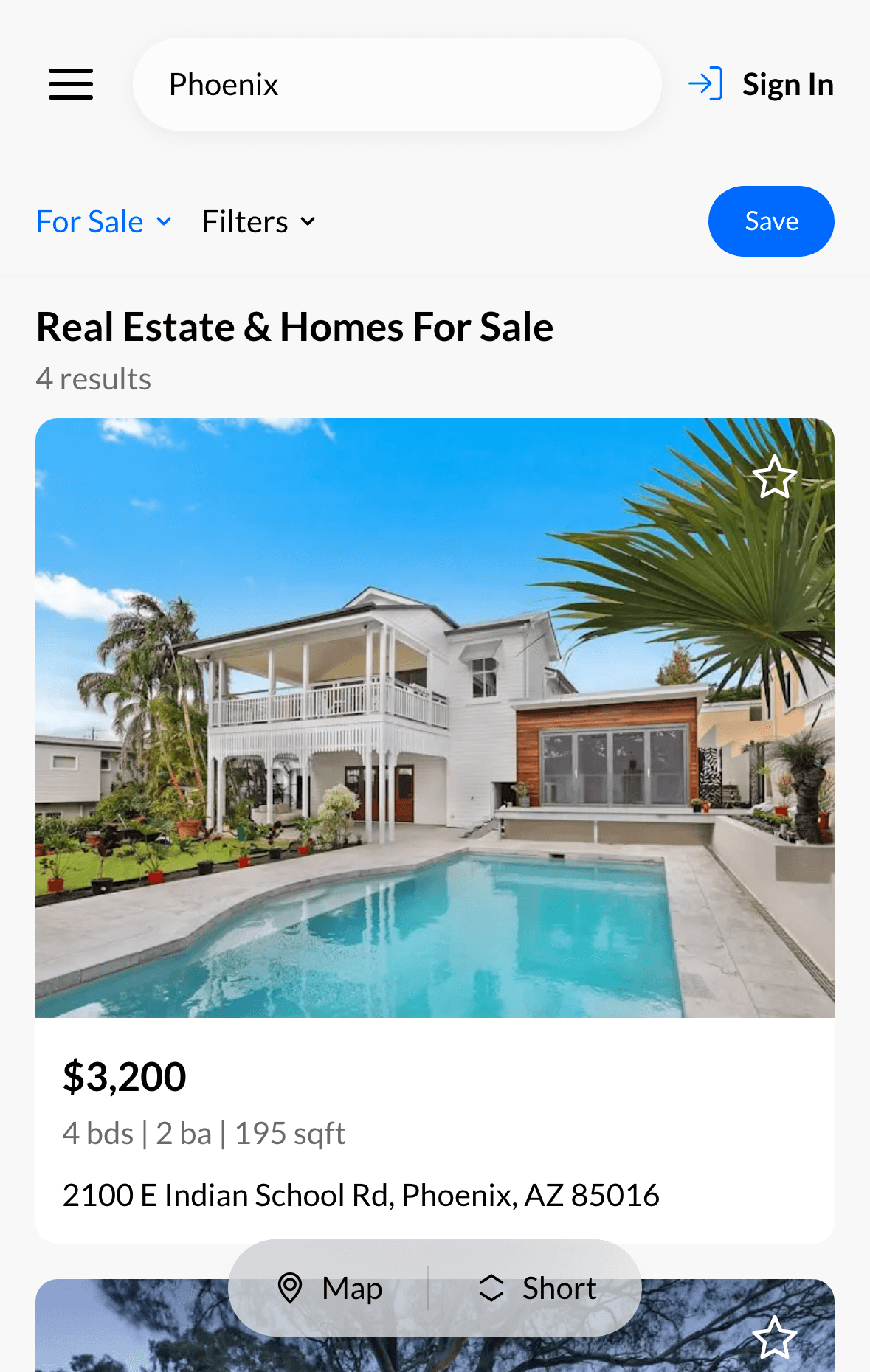
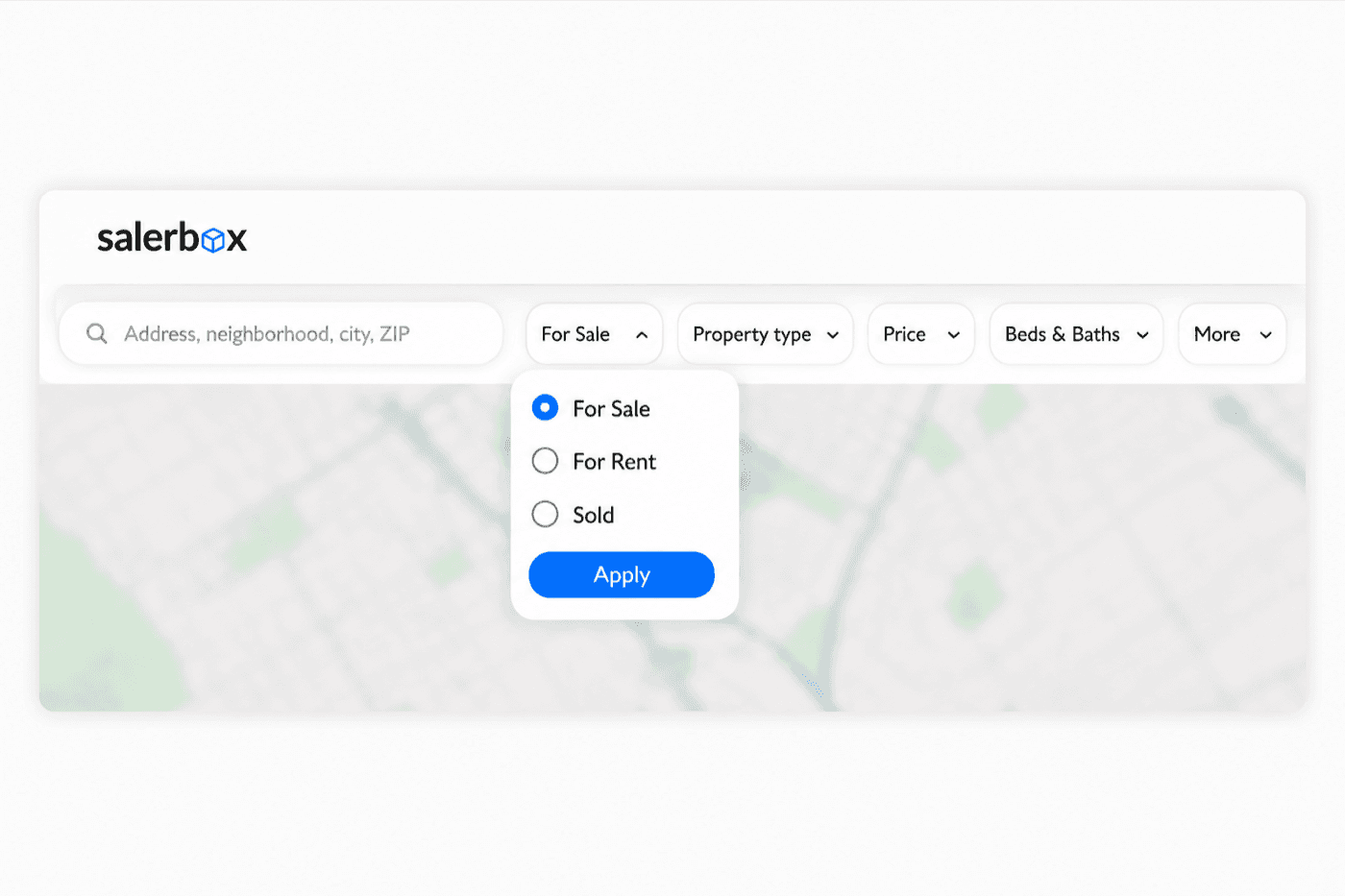
Start with the Mobile SearchStart with the Interactive Map
Browse listings and open filtersExplore properties visually
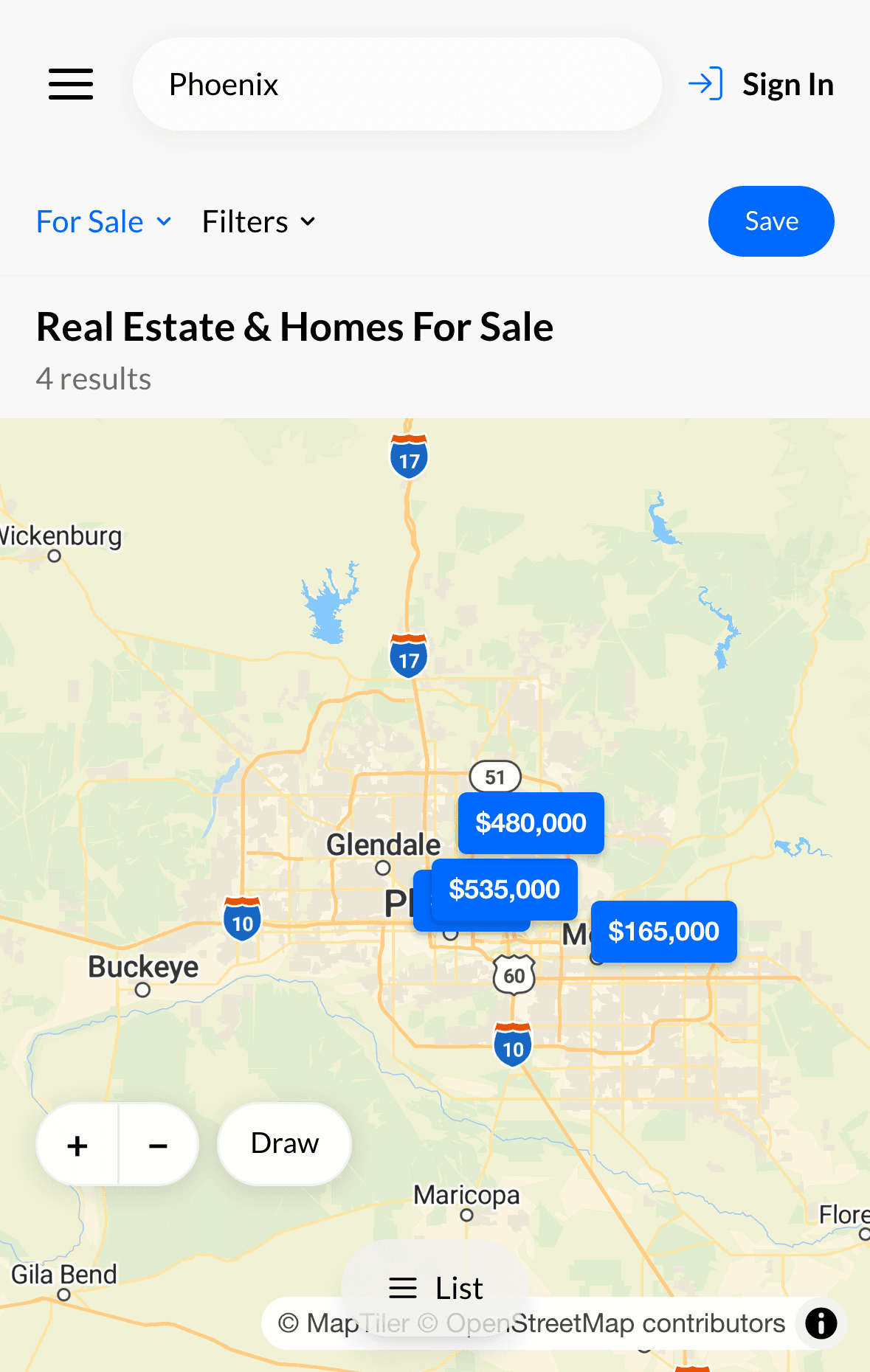
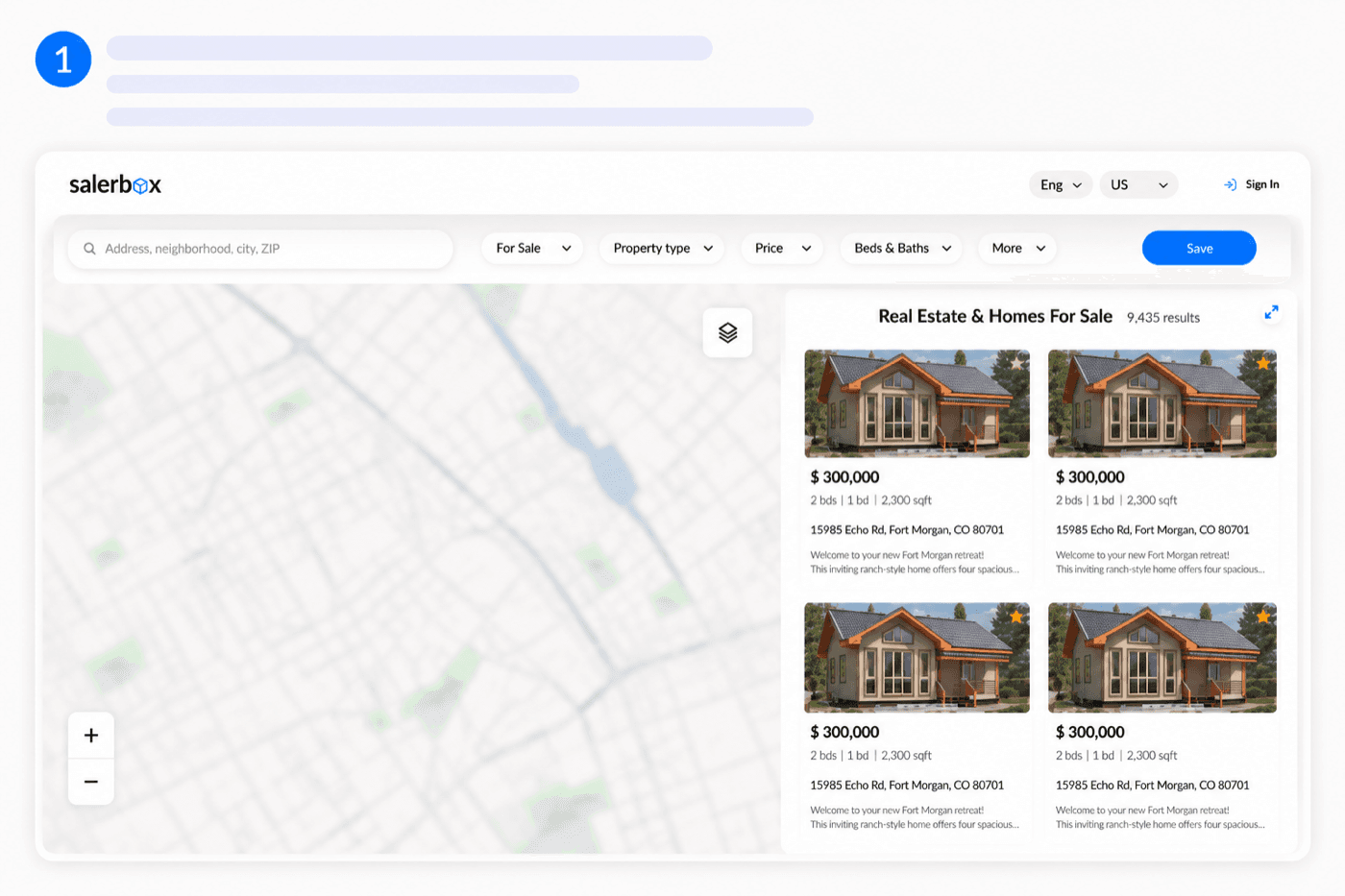
On mobile, available properties are shown in a scrollable list. Use the For Sale menu to choose the listing type, open Filters to refine your search, or switch to the map using the button at the bottom of the screen.When you open Salerbox, you'll see the interactive map and available listings side by side. Browse neighborhoods, zoom into areas of interest, or move the map to instantly discover properties nearby.
- 2
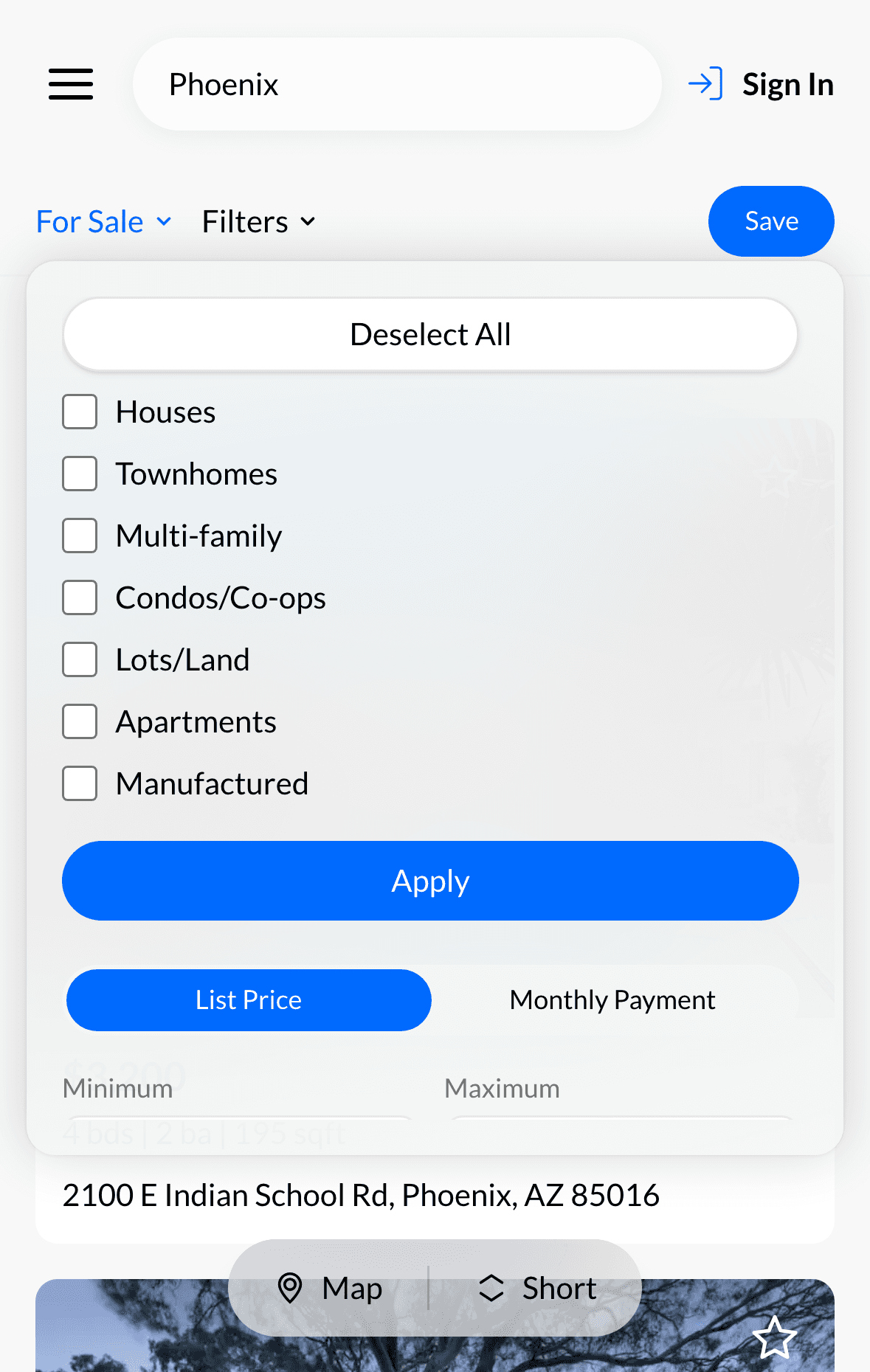
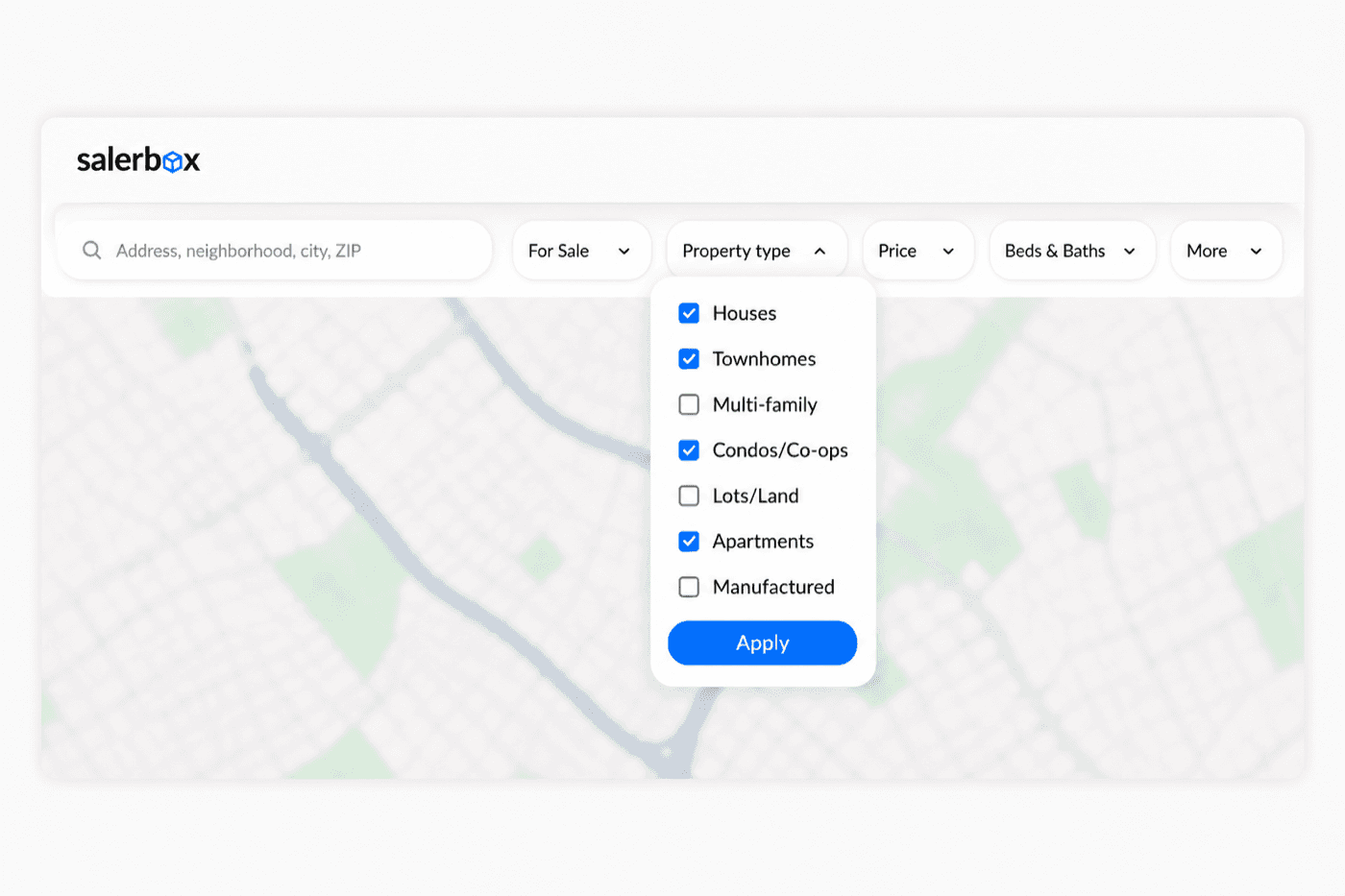
Select Property TypeSelect Property Type
Narrow down your searchNarrow down your search
Choose one or multiple property types. Examples include: • Houses • Apartments • Townhomes • Condos • Lots & Land • Manufactured Homes You can select several categories at once.Choose one or multiple property types. Examples include: • Houses • Apartments • Townhomes • Condos • Lots & Land • Manufactured Homes You can select several categories at once.
- 3
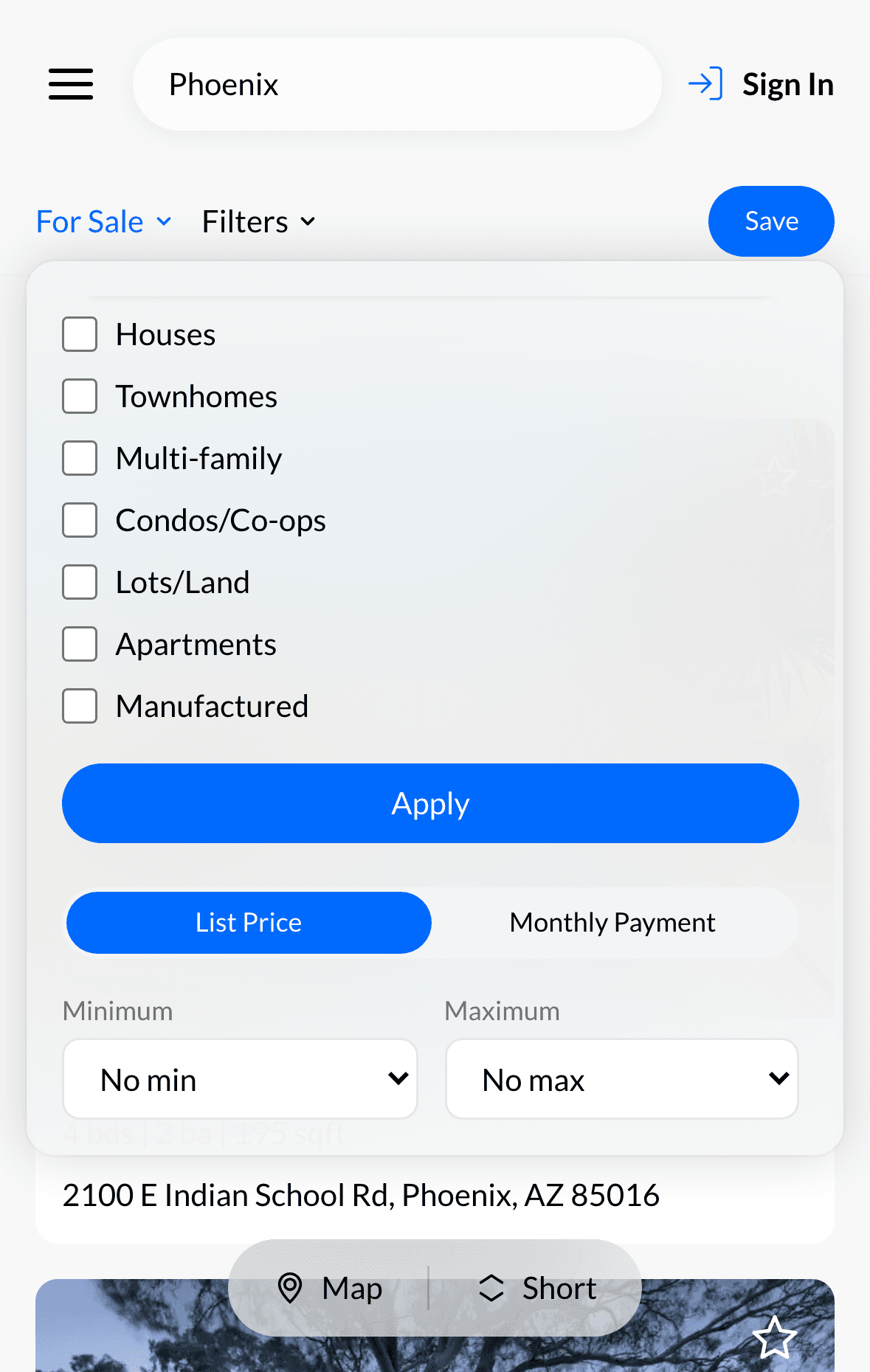
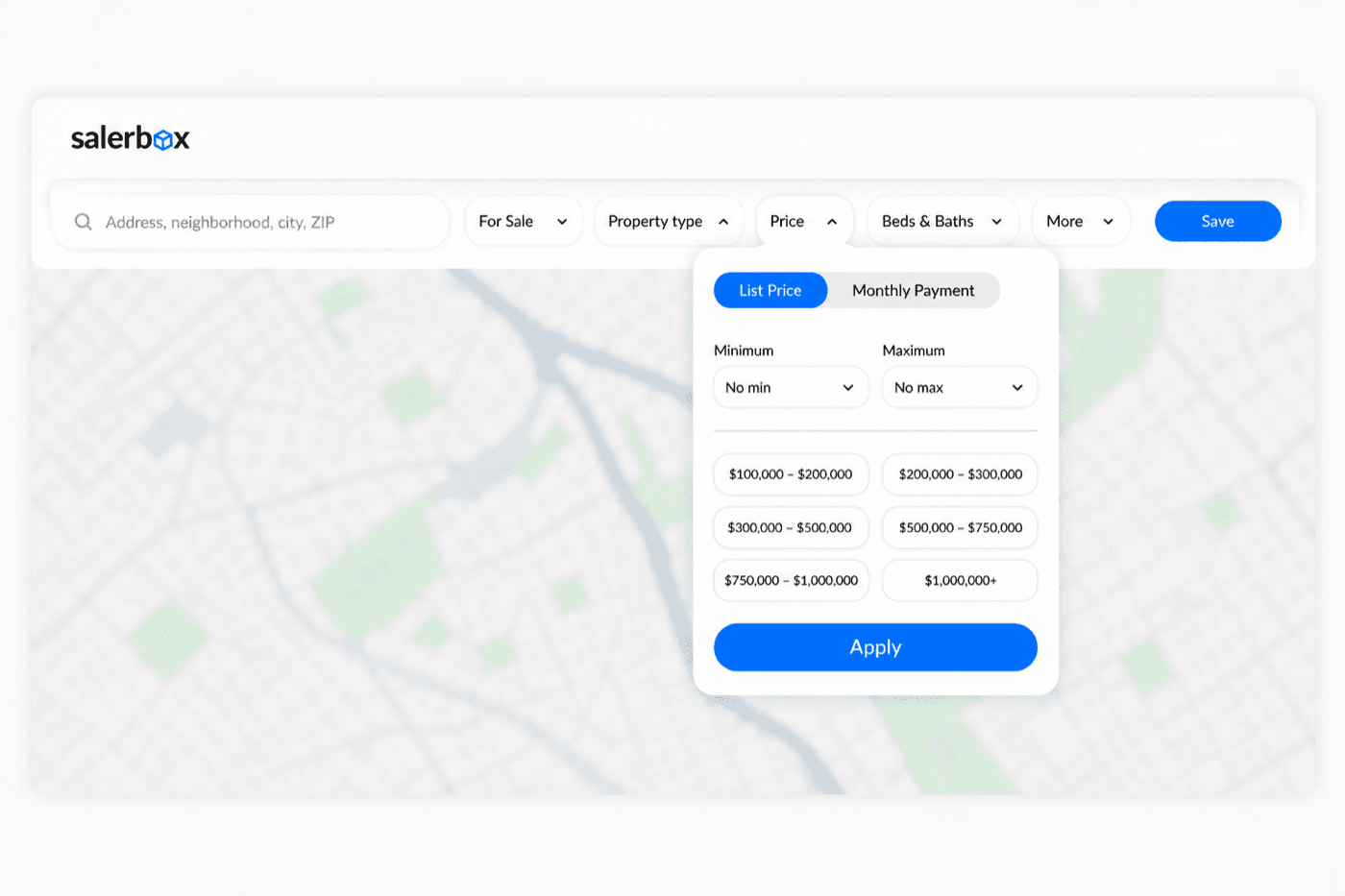
Set Your BudgetSet Your Budget
Decide what you're looking forSearch within your price range
Filter listings by: • Purchase Price, or • Monthly Payment Set both minimum and maximum values to find properties that fit your budget.Filter listings by: • Purchase Price, or • Monthly Payment Set both minimum and maximum values to find properties that fit your budget.
- 4
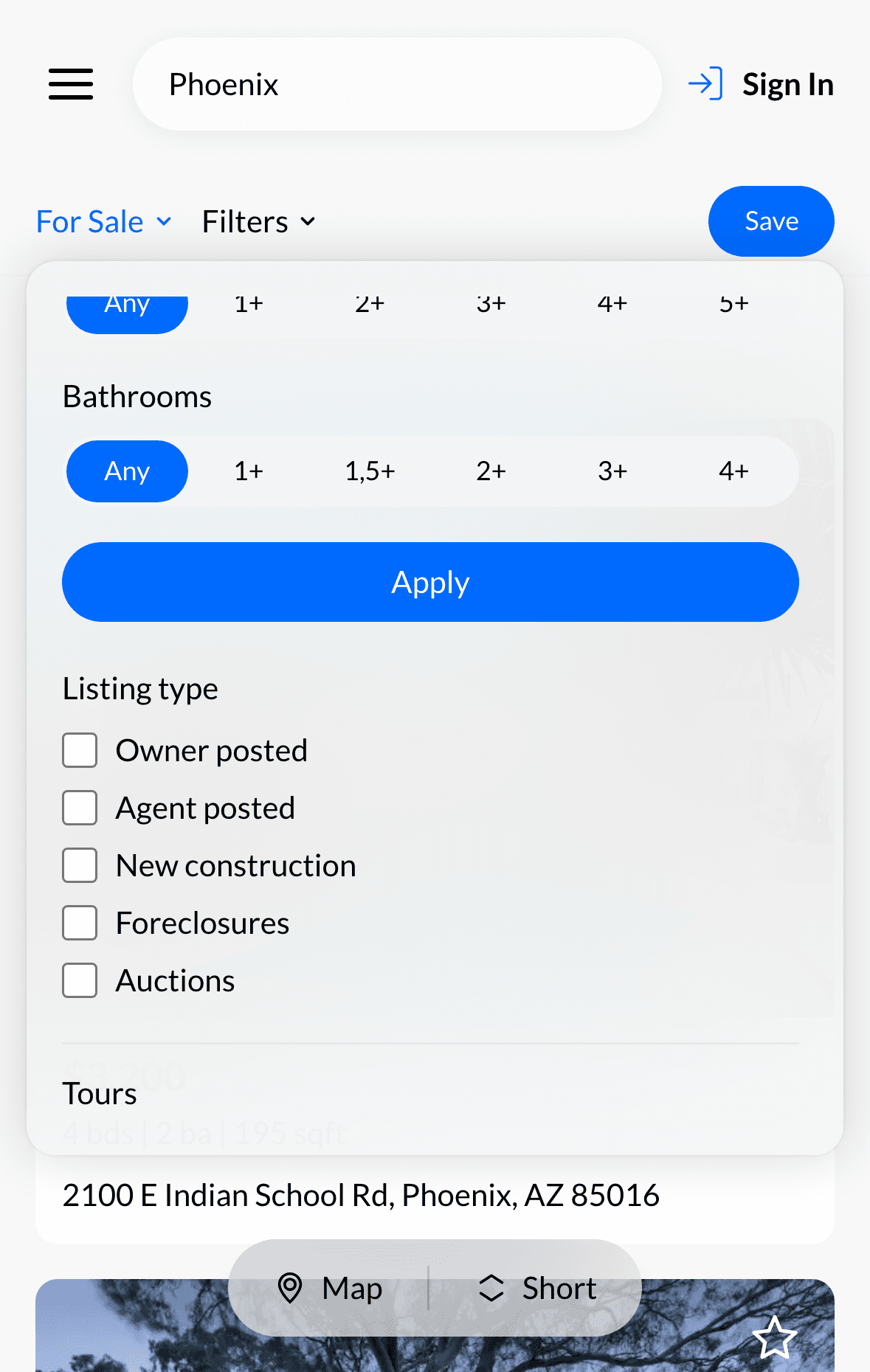
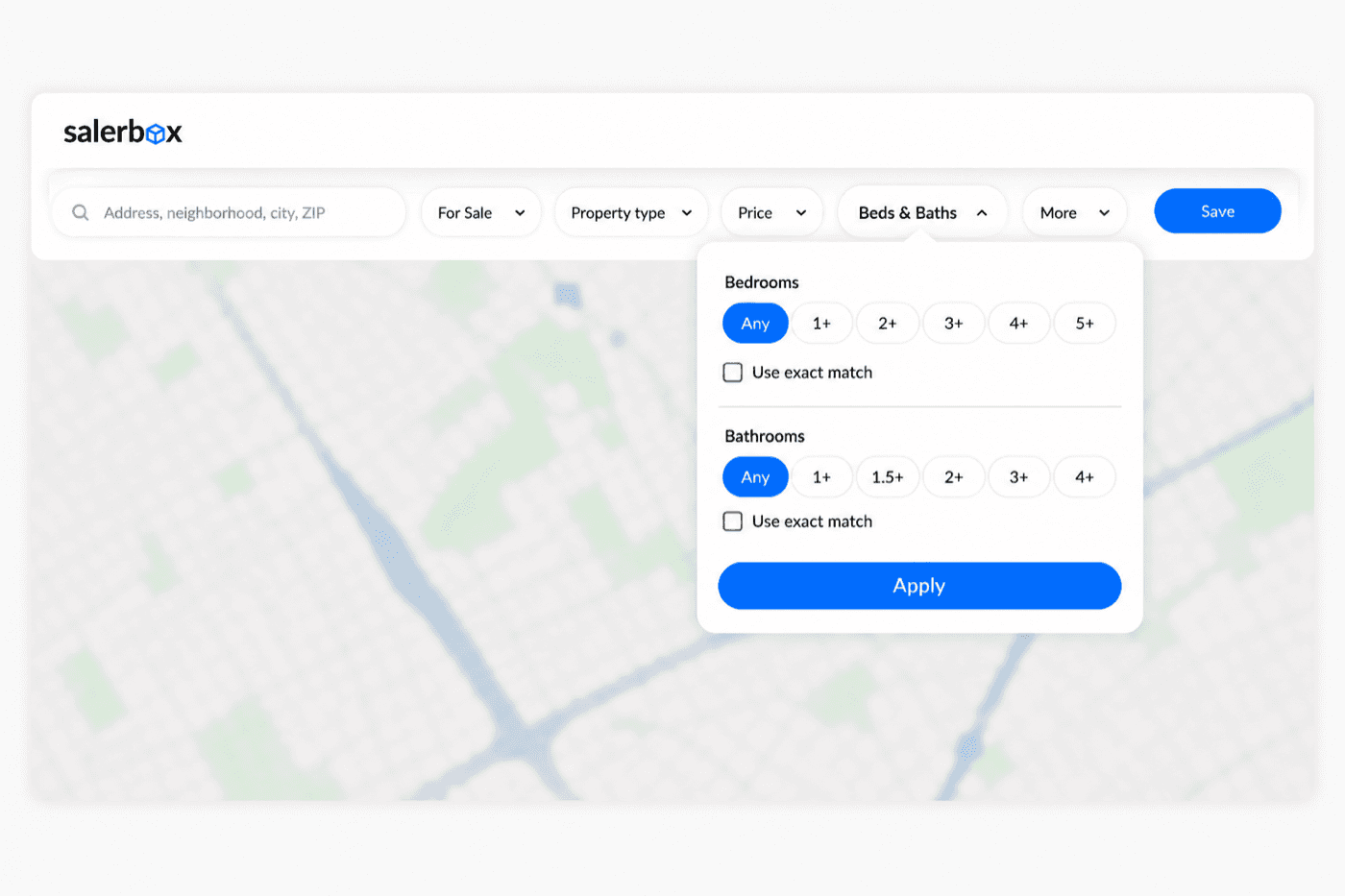
Bedrooms & BathroomsBedrooms & Bathrooms
Find the right sizeFind the right size
Quickly filter listings by the number of bedrooms and bathrooms. Use Exact Match when you need a specific layout.Quickly filter listings by the number of bedrooms and bathrooms. Use Exact Match when you need a specific layout.
- 5
Search by Address or ZIP CodeSearch by Address or ZIP Code
Jump directly to a locationJump directly to a location
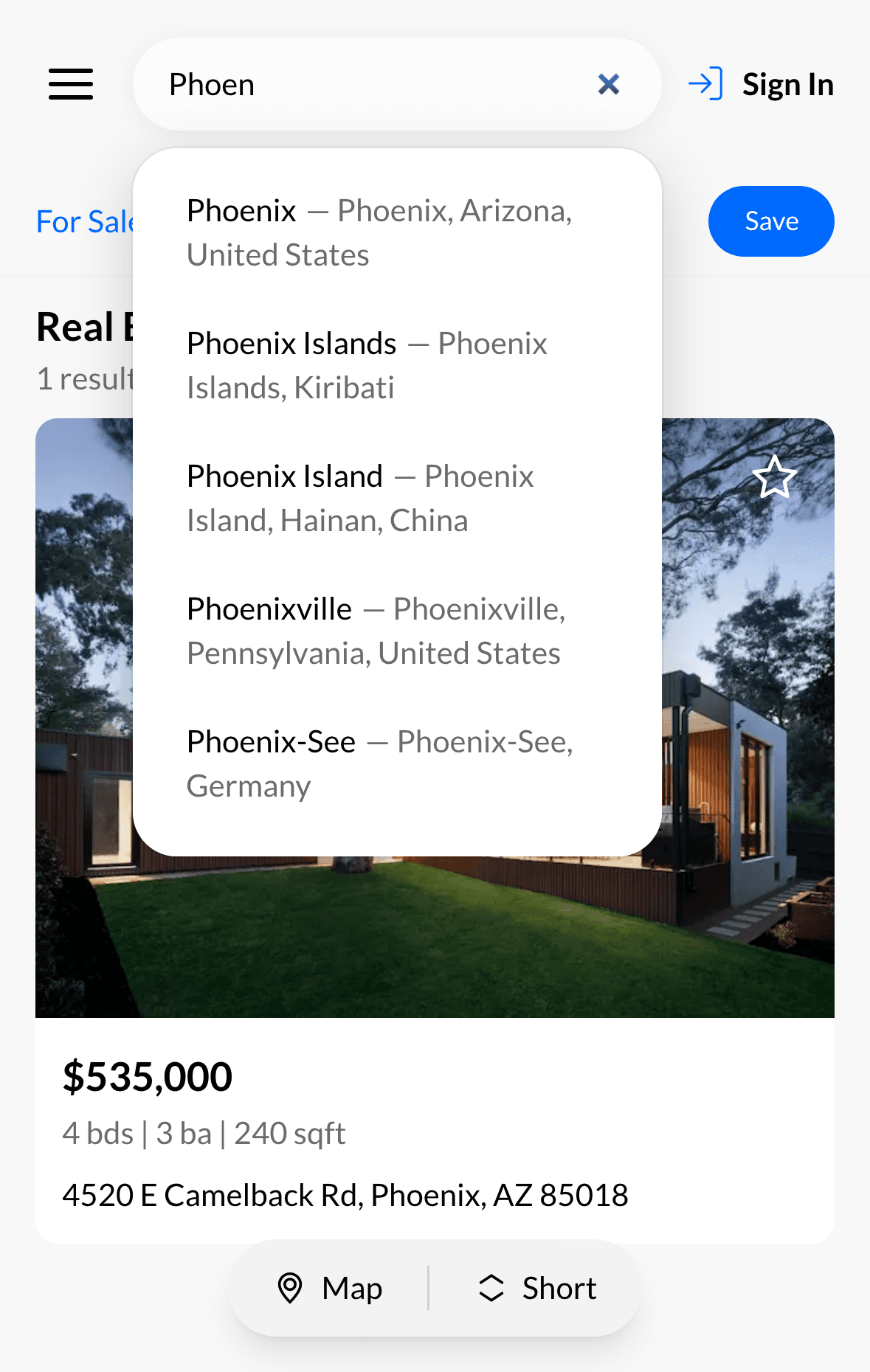
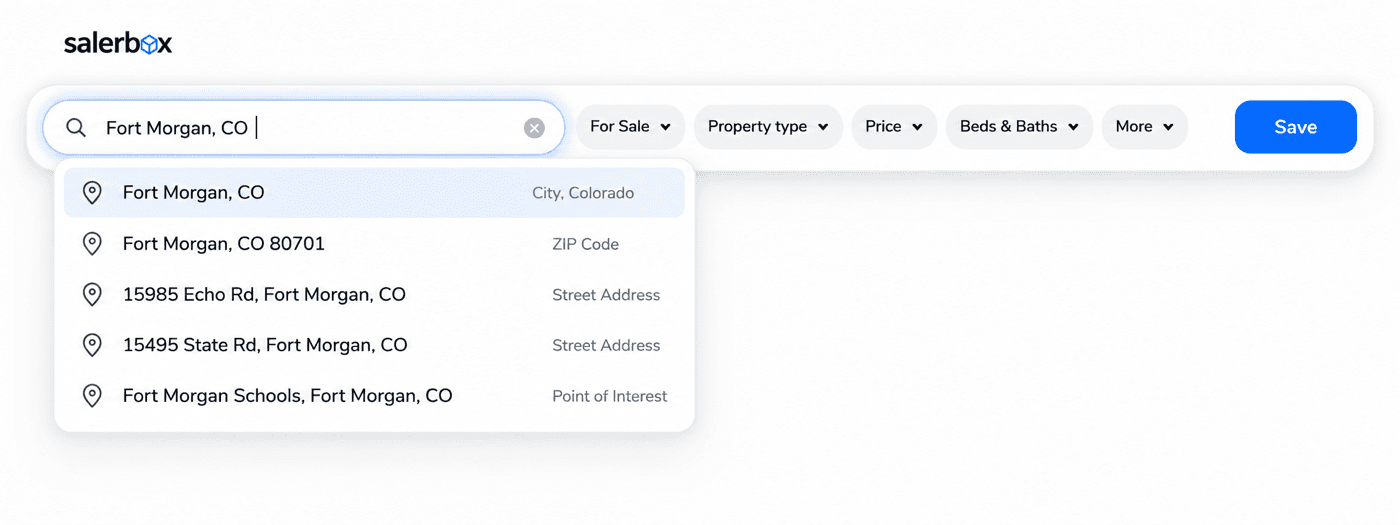
Enter: • Address • Neighborhood • City • ZIP Code Autocomplete helps you find locations faster. If nothing matches your search, Salerbox will let you know instantly.Enter: • Address • Neighborhood • City • ZIP Code Autocomplete helps you find locations faster. If nothing matches your search, Salerbox will let you know instantly.
- 6
Switch Between ViewsSwitch Between Views
Browse the way you likeBrowse the way you like
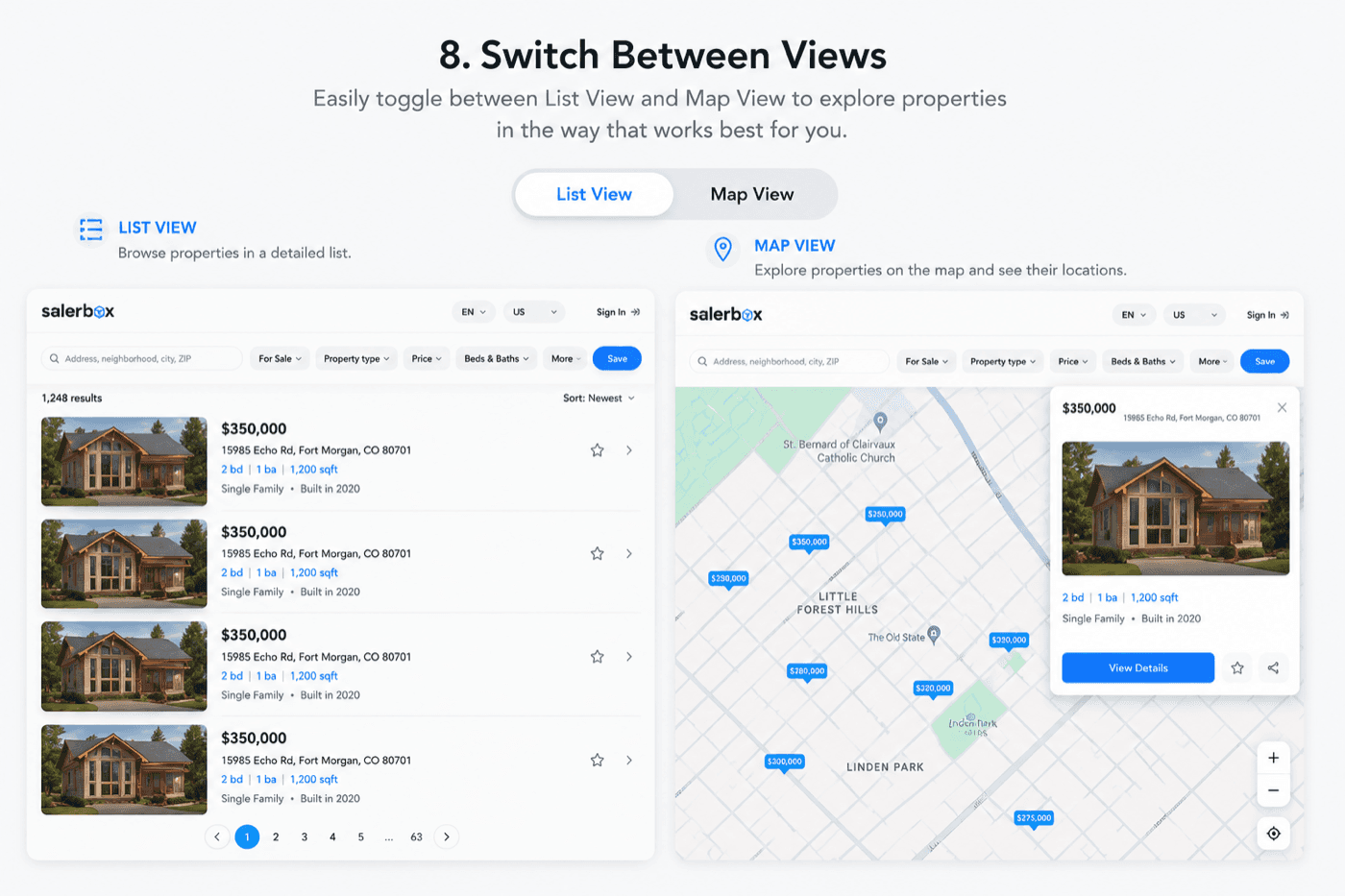
Prefer browsing listings first? Expand the property panel to focus on listings. Want to explore the map? Switch back with a single click.Prefer browsing listings first? Expand the property panel to focus on listings. Want to explore the map? Switch back with a single click.
- 7
Draw Your Own Search AreaDraw Your Own Search Area
Search exactly where you wantSearch exactly where you want
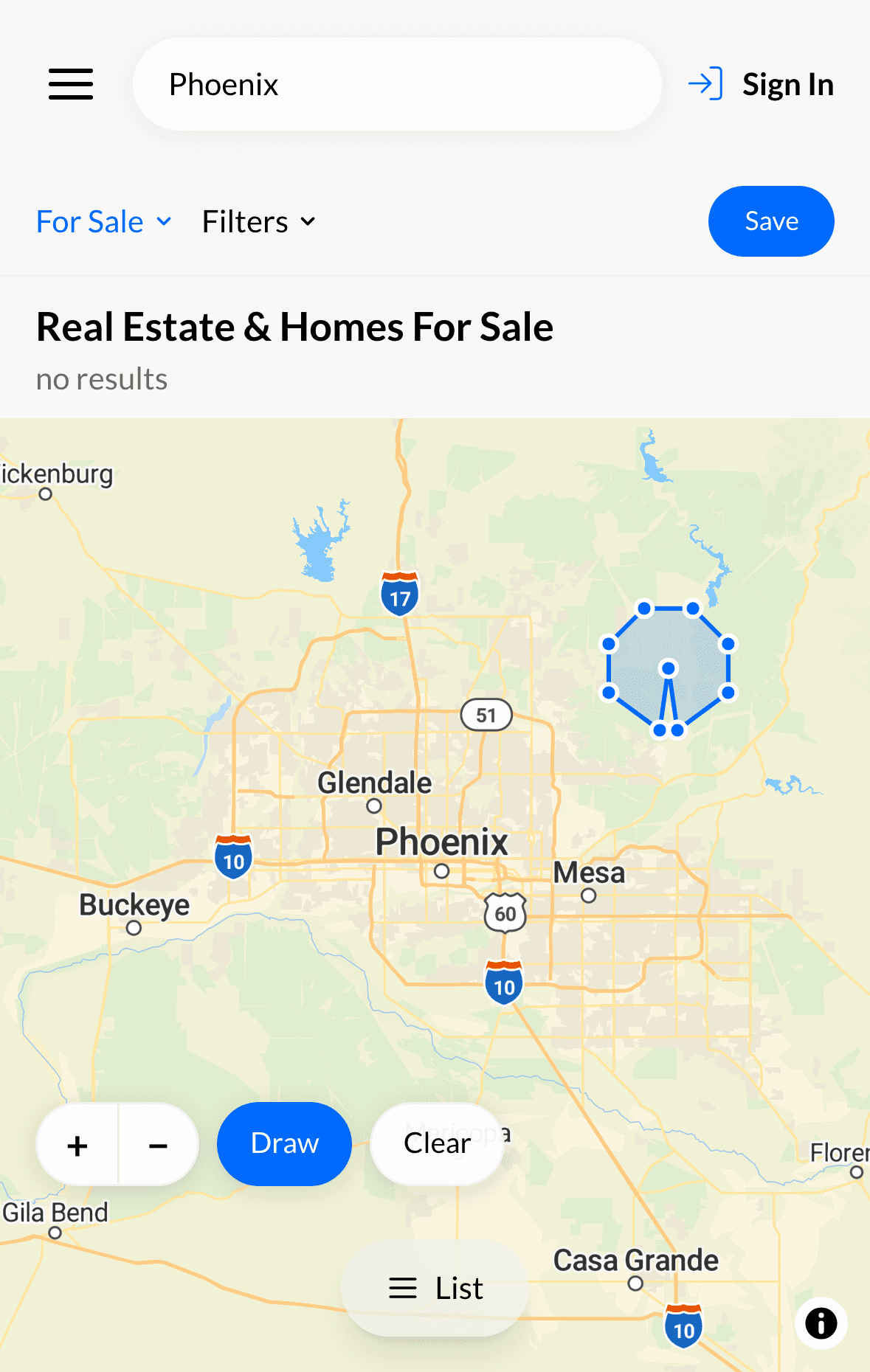
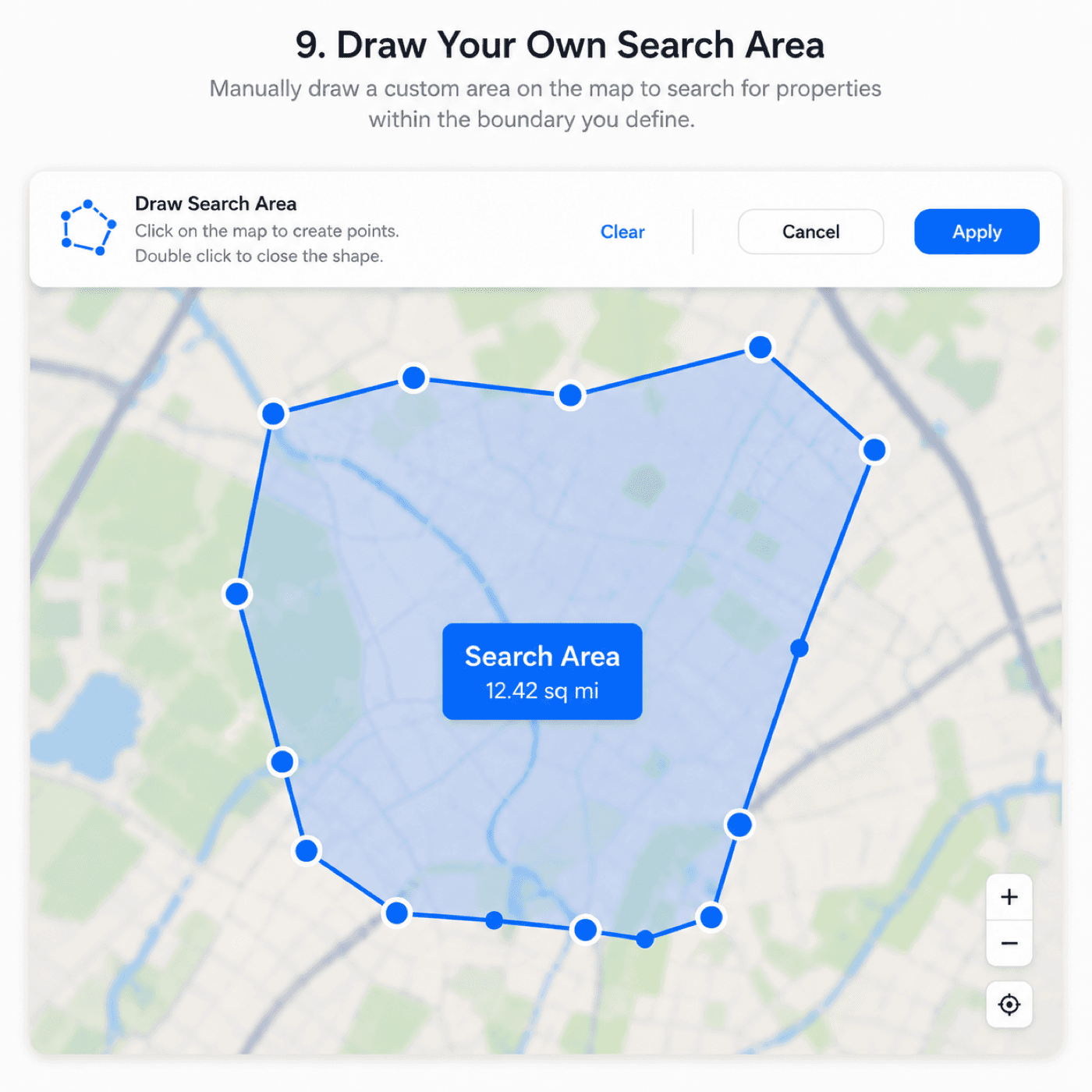
Manually draw a custom area on the map to search for properties within the boundary you define.Manually draw a custom area on the map to search for properties within the boundary you define.

List Your Property
Reach buyers and tenants by publishing your listing in just a few simple steps.